CompanyCam, Fieldwire, Raken, and the photo tools already inside your PM software, compared with real 2026 pricing.

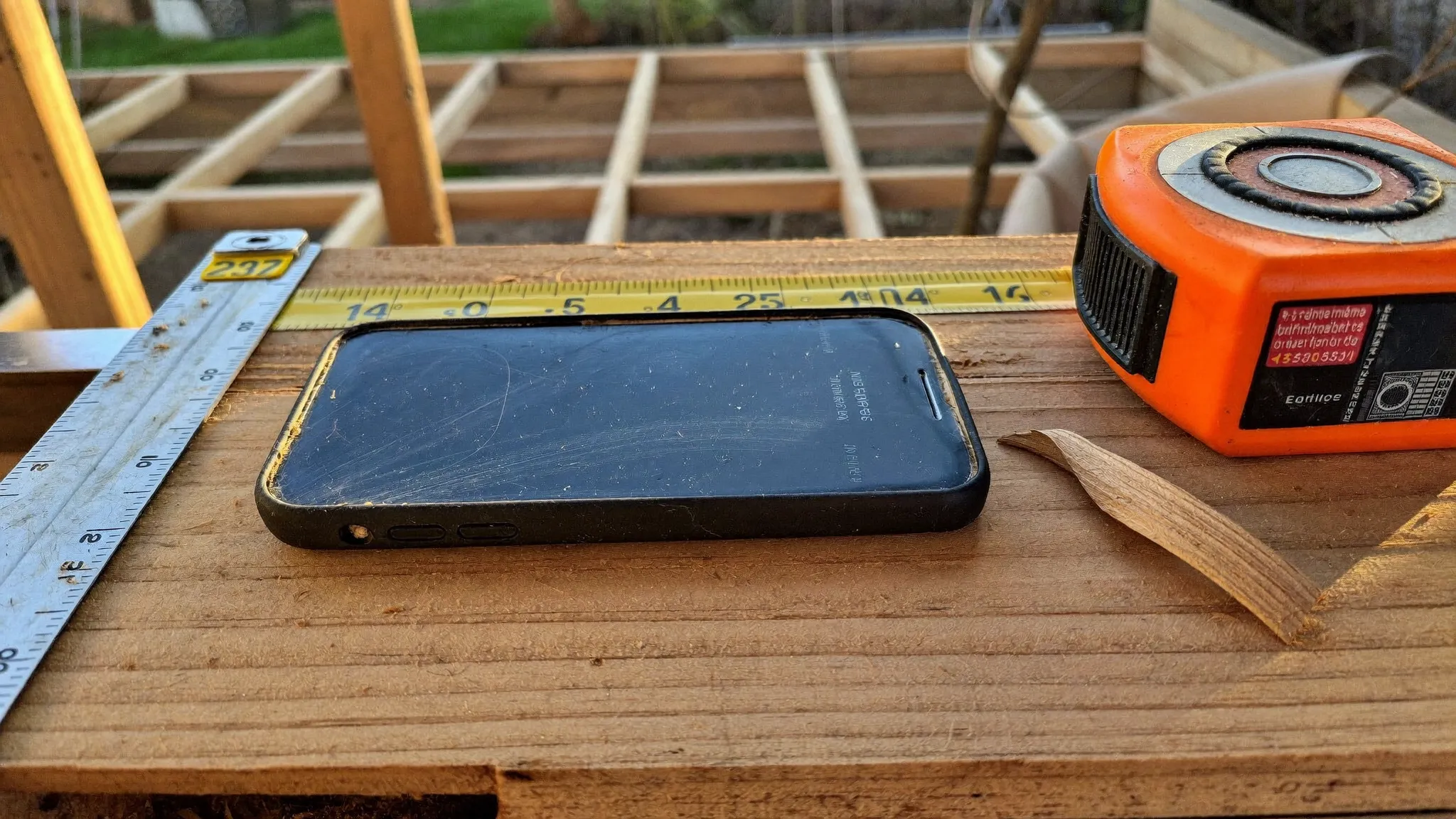
Short answer first: if you want a dedicated photo documentation app, CompanyCam is the one to beat. It starts at $63 a month billed annually, it organizes every photo by project automatically, and it was built for contractors instead of adapted for them. If you can't spend anything yet, Fieldwire has a legitimately free plan for small teams. And if you already pay for project management software, check what's in it before buying anything, because you may have photo tools sitting there unused.
Now the longer answer, because the right choice depends on how you work, and because "we'll just use our phones" is the default plan that quietly costs contractors real money every year.
Every contractor already takes photos. The problem is where they go. They land in somebody's personal camera roll, mixed in with kids' birthday parties, on a phone that will get dropped in a wet basement or traded in next spring.
Then the moment comes when you actually need one. A homeowner claims the scratch on the floor was your crew. An inspector wants proof of what's behind the drywall you closed up. A sub says the site was ready on Tuesday and it wasn't. Your word against theirs, and your evidence is a twenty-minute scroll through three guys' phones, if it exists at all.
Photo documentation apps fix one specific thing: every photo anyone on your crew takes gets timestamped, location-stamped, and filed to the right job automatically. Nobody has to remember to do anything except point and shoot. That's the whole pitch, and for a lot of contractors it's worth more than another estimating tool or a fancier website.
A few places photos quietly make or save money:
CompanyCam is photo-first software. Other tools have photos as a feature. Here it's the whole product, and it shows.
Every photo is timestamped and pinned to the project automatically based on location. Your whole team's photos flow into one shared project timeline, so the office sees what the field sees in real time. You can draw arrows on photos, add captions, shoot before-and-afters, build photo reports for customers or adjusters in a couple of taps, and pull up any job from years ago in seconds. It works offline and syncs when you get signal back, which matters when you're in a basement or a dead zone at the edge of town.
Pricing, from their own pricing page as of this writing: the Core plan is $63 a month with one user included, Crew is $129 a month with three users, and Scale is $199 a month with three users, all billed annually, with additional users at $29 each. Monthly billing costs about 20 percent more. There's a free trial, and you can cancel anytime.
The plan differences mostly come down to team features. Core covers the fundamentals: timestamped photos and video, auto-organized project history, and reports. Crew adds checklists, task assignment, and live job tracking across multiple crews. Scale adds unlimited templates and reports, subcontractor access controls, and document signing.
It also plugs into the software you probably already run: AccuLynx, Jobber, JobNimbus, JobTread, and QuickBooks Online, among others. If your CRM is the hub of your business, CompanyCam feeds photos into it instead of creating another silo.

Who it's for: any residential contractor with at least one crew in the field. Remodelers, roofers, painters, pool builders. If photos ever settle arguments or sell jobs in your business, this is the specialist tool.
Fieldwire, owned by Hilti, is field management software with strong photo tools inside it: photos attach to plans, tasks, and locations, so documentation lives next to the work it describes.
The reason it makes this list is the free plan. Small teams can use Fieldwire free with up to 5 users and 3 projects. For a two-man crew running a couple of jobs at a time, that's a real tool at zero dollars, not a crippled demo. Paid plans run $39 per user per month for Pro, $64 for Business, and $89 for Business Plus, billed annually, with monthly billing costing $15 more per user.
The catch: Fieldwire thinks in plans and tasks, and it's built with commercial-style workflows in mind. If you're a residential remodeler who just wants photos filed by job, it's more structure than you need. If you like the idea of photos tied to tasks and drawings, it's a strong system.
Raken comes at documentation from a different angle: the daily report. Crews snap photos and log time and notes on their phones, and Raken assembles it into a professional daily log that goes out to whoever needs it. Photos are a core part of that record.
If your pain is "the GC wants dailies and my foreman hates paperwork," Raken solves that specific problem well. Pricing is quote-based, so you'll need to talk to their team for a number. That alone tells you it's aimed at contractors with steady crews and real reporting requirements, not a solo operator.
Here's the money-saving paragraph. Full project management platforms like Buildertrend, JobTread, and Contractor Foreman all include photo tools: job-level photo storage, daily logs with attachments, customer-facing updates. If you're already paying for one of these, open it up and look at the photo features before adding another subscription. The best photo app is sometimes the one you already own.
The honest limits: photos inside a PM platform are usually a feature, not a workflow. Auto-organization, annotation, and reporting are typically thinner than CompanyCam's, and adoption is the real test. If your crew won't open the PM app to log photos but will use a dead-simple camera app, the specialist tool wins even if it costs extra.
On price, these three are hard to compare directly. Contractor Foreman is the budget pick of the all-in-ones, with plans listed starting around $49 a month on annual billing and a 30-day trial. Buildertrend no longer publishes pricing at all; as of 2026 it quotes custom pricing based on your construction volume, so budget for a sales call. We walked through how to think about that category in Buildertrend vs JobNimbus vs Jobber.
Free, already in everyone's pocket, and it works, right up until it doesn't. The failure points are predictable:
A shared cloud folder per job is better than nothing, and for a true solo operator it can be enough for a while. But the first time a $63-a-month app wins you one dispute or one insurance claim, it has paid for itself for the year.
Whichever way you go, the app matters less than the habit. Pick one place photos live, make "document everything" the rule on day one, and hold the line for a month. After that the crew does it without being asked, and you'll wonder how you ever defended your work without it.
If you're building out your toolkit beyond photos, our roundup of the top 10 contractor tools for 2026 covers the rest of the stack, and if you're not sure whether you've outgrown your current software, here are the signs it's time for real project management software.
Browse VendorRack to compare the photo, CRM, and project management software built for the trades, with reviews from real crews.
Quick answers to what contractors ask us most about jobsite photo apps.
No fluff and no sales pitches. Just the tools, software, and services worth your money, tested by contractors like you.
Browse the CRMs, software, and services built for contractors, all in one place, all vetted by the trades.

The directory where residential contractors find the tools, software, and services they actually trust.
