Five things decide whether a contractor website books work: a tappable phone number, your own photos, the towns you serve, real proof, and speed. Plus what it should actually cost.

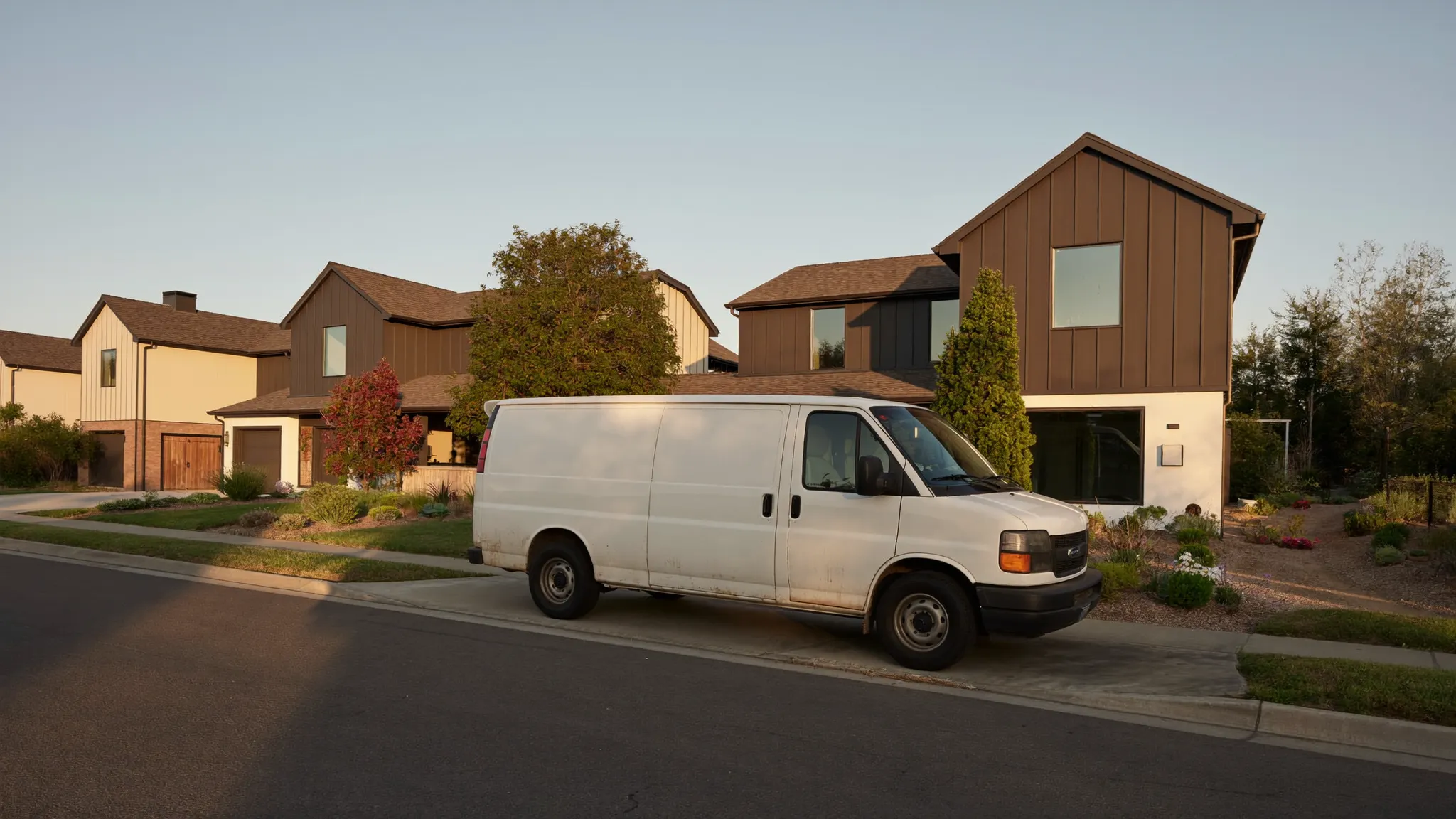
Short answer first: a website that books jobs needs five things. A tappable phone number at the very top, photos of your own work instead of stock, the towns you serve written out in plain words, honest proof that you are who you say you are, and a page that loads on a phone in under two and a half seconds. That's it. Everything past those five is decoration, and decoration is where most contractors spend all their money.
I've looked at a lot of contractor websites. The ones that book jobs are usually the plainest ones. The ones that don't are usually the prettiest ones, built by somebody who was thinking about the homeowner's eyeballs instead of the homeowner's thumb.
Your website is not a brochure. It's the place people land after they've already heard your name.
Think about how you actually get hired. A neighbor mentions you. A homeowner sees your truck. Somebody finds you in the map pack after searching "deck builder near me." In every one of those cases, the person already has a reason to consider you. They come to your website to answer one question: is this outfit real and can I get them on the phone right now.
That's the whole job. Answer that question fast and you book work. Make them hunt for it and they go back to the search results and call the next guy.
So the test for every element on your site is simple. Does this help a nervous homeowner decide we're real, and does it get them to reach out? If not, cut it.
Put your phone number in the top right corner of the header, make it a real tap-to-call link, and make it big. Then put it again at the bottom of every page.
This sounds too basic to write down. It isn't. The single most common failure I see is a phone number that's an image, or gray 12-point text buried under a menu, or nowhere at all until you dig into a Contact page. On a phone that's three taps and a squint, and you lose people at every tap.
The second most common failure is a phone number that isn't clickable. If it's plain text, the homeowner has to memorize it, back out of the browser, open the dialer, and type. Half of them won't. A tap-to-call link is one line of code and your web person can add it in a minute.
While you're at it: answer the thing. A tappable number that rings out to voicemail is worse than no number, because now they've decided you're real and you've proved you're not reachable. If you can't answer during the day, an answering service like Ruby or AnswerForce costs less than one lost job a month.
Google publishes exactly what it considers a good page experience, and the numbers aren't a mystery. They're called Core Web Vitals, and there are three of them:
Google grades your site at the 75th percentile of real page views, meaning at least three out of four visits have to clear the bar. So the slow visits count. That's important for us, because contractor customers are often standing in their driveway on two bars of cell signal, not sitting on fiber.
Here's the part that matters more than the SEO. A homeowner with a leaking roof does not wait seven seconds for your hero video to load. There's a phrase for what they do instead, and it's "call the next guy."
You can check your own site free in Google's PageSpeed Insights. Run the mobile test, not the desktop one. If you fail, the fix is almost always the same three things: your images are enormous, you have a video autoplaying in the header, or somebody installed six tracking scripts and a chat widget. Shrink the images, kill the video, cut the scripts.
Stock photos are the fastest way to look like every other contractor. Worse, homeowners can smell them. A stock photo of a smiling family in a kitchen that is obviously not in your state tells a homeowner one thing: this company didn't have any photos of its own.
You already have the raw material. Every crew has a phone. The problem is the photos live scattered across four people's camera rolls and nobody can find the good ones eight months later.
The fix is a jobsite photo app. CompanyCam is the one most contractors land on, because photos file themselves by address automatically and everybody on the crew can shoot into the same project. Six months in you have an organized library instead of a mess, and pulling ten before-and-afters for the website takes twenty minutes instead of a Saturday.
Two rules for the photos you use:
Before and after beats after alone. The after shot proves you do nice work. The before shot proves the customer's ugly problem is a problem you've already solved. The pair is what sells.
Show the job, not the crew. Homeowners are buying a finished porch, not a team photo.
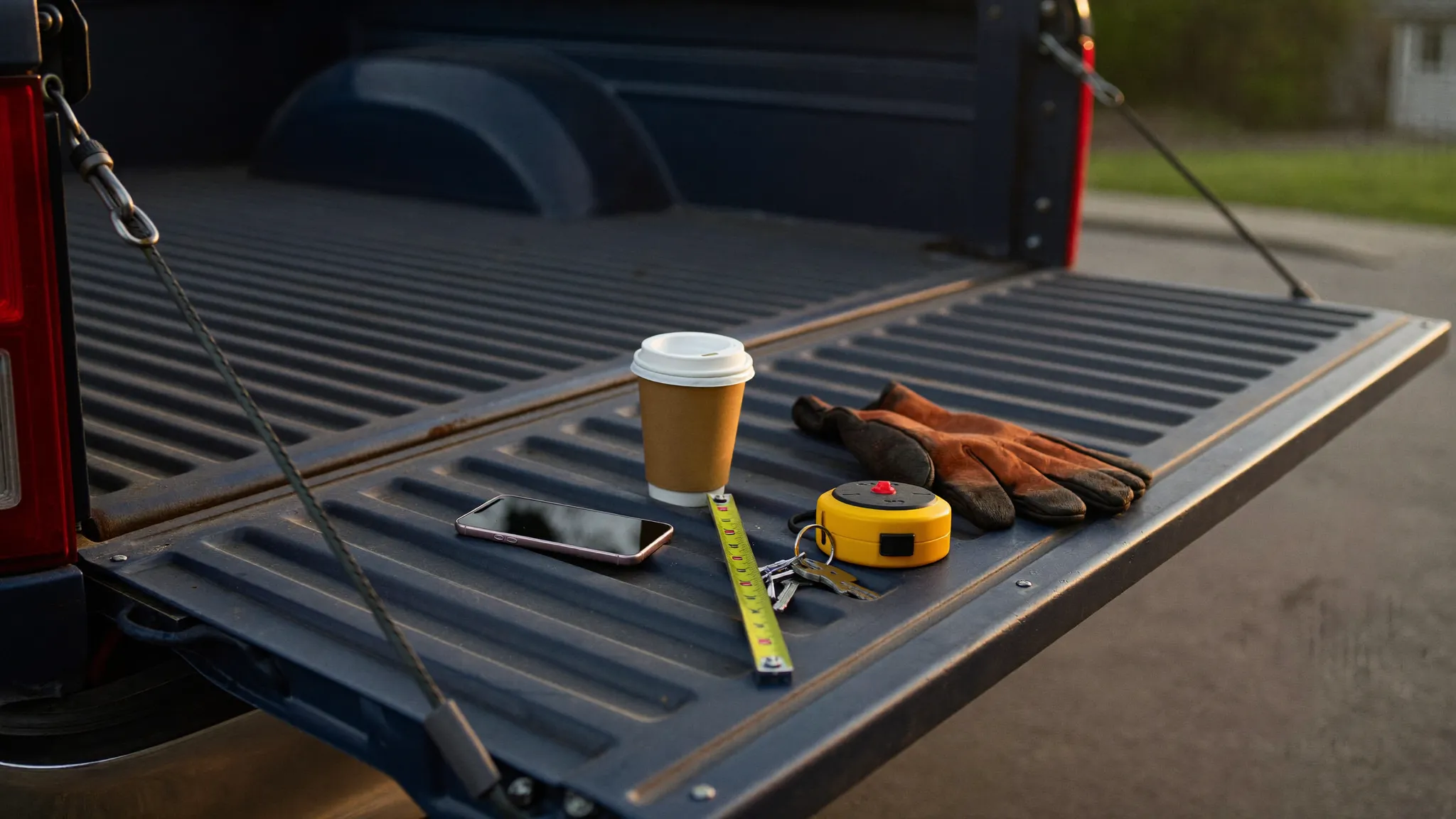
This is the cheapest SEO in the trades and almost nobody does it. Write out the towns and neighborhoods you actually work in, in plain English, on your homepage and on your service pages. Not "the greater metro area." The actual names.
That does two things. It tells Google where you operate. And it answers the question the homeowner is silently asking, which is "do these people even come out here."
If you want to go further, build a real page for each of your top three or four towns with genuinely different content on each: jobs you've done there, permits or code quirks that apply, photos from that area. What you should not do is spin up forty near-identical pages with the town name swapped. Google has been discounting that for years and it makes your site look like spam to humans too.
Match your website's service area to your Google Business Profile, because the profile has real limits most contractors don't know about. You get up to 20 service areas, defined by city or postal code. And Google says the outside boundary of everything you serve shouldn't run more than about two hours of driving from where your business is based. If you've listed half the state, you're not ranking better, you're just diluting.
One more profile rule that catches people: only businesses that meet customers face to face are eligible for a profile at all. If you visit customers but don't have a storefront they come to, you're a service-area business and you hide your address. That's the correct setup for most remodelers, roofers, and painters, and setting it up wrong is a common reason profiles get suspended.
Some homeowners will call. Some absolutely will not, especially if it's 9pm and they're browsing in bed. Give both of them a path.
A short form is enough. Name, phone, ZIP, and a box for "what do you need." Every extra field costs you submissions, so if you're asking for a preferred contact time and a budget range and how they heard about you, cut it down. You can ask all that on the phone.
Better than a form, if your trade supports it: an instant estimate. Roofers can do this now with tools like Roofr, Roofle, or Hover, which measure the house from aerial imagery and hand the homeowner a number in minutes. A homeowner who gets a real number at 9pm is a homeowner who is emotionally halfway to hiring you before you've spoken.
And whatever comes in, respond fast. The speed-to-lead problem is the same one that ruins paid advertising, which I got into in Google Ads vs Facebook Ads for Contractors. A form submission that sits until Thursday is not a lead. It's a receipt for a lead you already lost.
Here's the part where people get taken. You do not need a $12,000 custom website to book residential jobs.
Your job software may already include one. Jobber publishes its prices, and the entry Core plan runs $29 a month billed annually, or $49 a month with no commitment, for one user. Core includes online booking and a built-in professional website. Housecall Pro starts at $59 a month. If you're already paying for scheduling software, check whether the website is sitting there unused before you buy anything else.
Add-ons cost extra, so know what you're signing up for. Jobber's AI Receptionist is $29 a month, Pipeline is $49, and the Marketing Suite is $99, all on top of the plan. Those may well be worth it. Just don't assume the $29 headline covers them.
A platform plus a done-for-you build is the middle road. Vendors like Jobleo bundle the site, the forms, the follow-up texts, and the CRM into one system so the lead doesn't fall through the crack between four different tools.
An agency makes sense when you're buying traffic, not just pages. If you're spending real money on ads, the site and the campaign should be run by the same people. That's a different purchase than a website.
Whatever you spend, own the domain yourself. Register it in your own name, on your own account, with your own credit card. Contractors lose their website every year because the domain was in a former marketing guy's account and the relationship ended badly.
You cannot improve what you don't measure, and "the phone rings sometimes" is not measurement.
Put a call tracking number on the site so you know how many calls the website produced versus your truck, your yard signs, and word of mouth. CallRail and WhatConverts both do this, and both will record which page the caller was on. Install Google Analytics and Google Search Console, both free, so you can see what people searched to find you.
Then look at three numbers once a month: how many people hit the site, how many called or filled out the form, and how many of those turned into jobs. If traffic is fine and calls are low, your site has a conversion problem. If traffic is low, you have a visibility problem, and the fix is usually your Google Business Profile and reviews rather than your website. There's more on the free side of that in How to Get Contractor Leads Without Paying for Ads.
Stock photo hero sliders. Nobody has ever hired a contractor because of slide three.
A blog you'll abandon. Two posts from 2023 look worse than no blog.
Autoplay video in the header. It's the single biggest cause of failing the speed test.
A chatbot that pretends to be you. Homeowners figure it out in one message and it costs you trust you can't buy back.
Awards and badges nobody knows. One real thing beats six meaningless ones. Your review count is the badge that matters, and there's a whole system for building it in How to Get More Google Reviews.
If your site is bad and you want it fixed without it becoming a project that eats your fall:
Week one. Add the tappable phone number to the header and footer. Run the mobile speed test and shrink or kill whatever fails it. Pull twenty real job photos, ten before-and-after pairs. Write your service towns out by name.
Week two. Cut your form down to four fields. Claim and fully fill out your Google Business Profile with the correct service-area setup. Put a call tracking number on the site. Add Analytics and Search Console.
That's it. Two weeks of evenings, mostly free, and it will beat the $12,000 site your competitor bought and never updated.
The homeowner isn't grading your design. They're deciding whether you're real and whether they can reach you. Answer those two questions in the first three seconds and the website has done its job.
Browse VendorRack to compare website platforms, marketing agencies, and lead tools built for residential contractors.
Quick answers to what contractors ask us most about their websites.
No fluff and no sales pitches. Just the tools, software, and services worth your money, tested by contractors like you.
Browse the website platforms, marketing agencies, and lead tools built for the trades, all in one place, all vetted by contractors.

The directory where residential contractors find the tools, software, and services they actually trust.
